

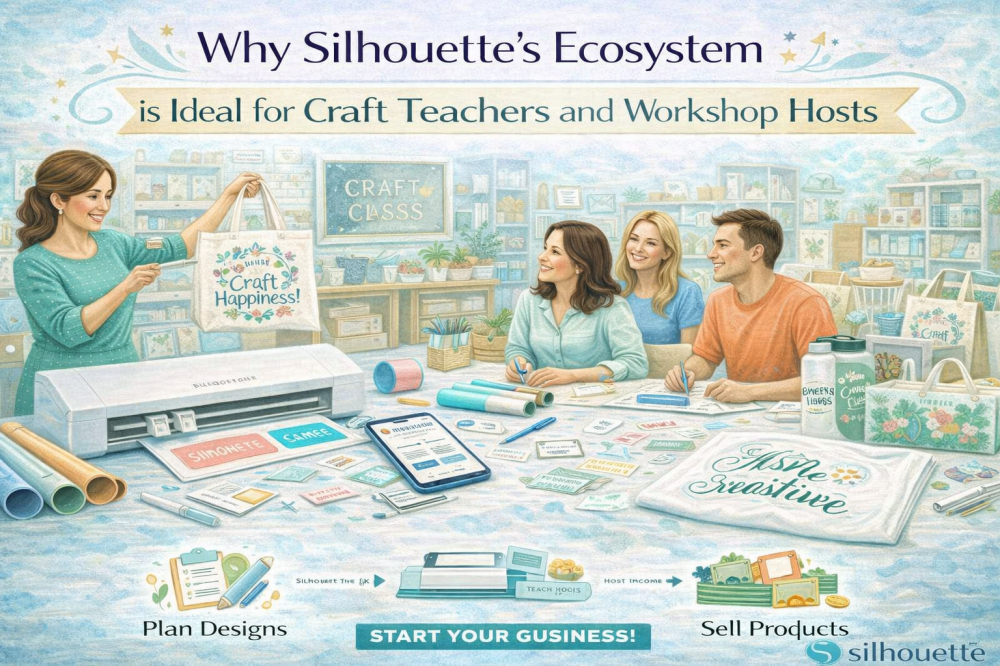
Teaching creativity is one of the most rewarding experiences- but it also comes with unique challenges. Whether you’re leading a classroom, hosting weekend workshops, or running paid craft sessions, you need tools that are reliable, easy to use, and adaptable to different skill levels.
That’s exactly where the Silhouette ecosystem shines.
With Silhouette America’s cutting machines, Silhouette Studio® software, and the Silhouette Design Store, craft teachers and workshop hosts gain access to a complete, connected system that simplifies preparation, enhances teaching, and elevates the overall learning experience.

If you’re teaching others how to create, here’s why Silhouette is one of the best platforms you can use.
A Complete Creative System - Not Just a Machine
Many crafting tools focus on just one part of the process. Silhouette offers an integrated ecosystem that includes:
- Cutting machines (Cameo, Portrait, and more)
- Silhouette Studio® for design and customization
- Silhouette Design Store for ready-made designs and fonts
This means you can:
- Plan projects
- Access designs
- Customize layouts
- Produce materials
All within one system.
For teachers and workshop hosts, this reduces complexity and makes lesson planning much more efficient.

Beginner-Friendly for Students of All Levels
One of the biggest concerns in teaching is accessibility.
Not every student has:
- Design experience
- Crafting skills
- Technical confidence
Silhouette tools are designed to be approachable.
Why It Works in Teaching Environments
- Silhouette Studio® has an intuitive interface
- Designs from the Design Store are ready to use
- Simple projects can be completed quickly
- Students can see results early
This helps build confidence- especially for beginners.
At the same time, more advanced students can explore deeper customization and design features.
The Silhouette Design Store: A Teacher’s Best Resource
The Silhouette Design Store is one of the most valuable tools for educators and workshop hosts.
It provides:
- Thousands of pre-made cut files
- Fonts for personalization
- Seasonal and themed collections
- A free shape of the week
How Teachers Use the Design Store
- Select designs for lesson plans
- Create themed projects for events
- Offer students multiple design options
- Save time on design preparation
Instead of creating every project from scratch, you can quickly build lessons using professionally designed assets.
Faster Lesson Planning and Preparation
Planning a workshop or class can be time-consuming.
Silhouette simplifies this by allowing you to:
- Browse designs by category (holiday, education, events)
- Download files instantly
- Customize them in Silhouette Studio®
- Prepare cutting files in advance
This reduces prep time and allows you to focus on teaching instead of designing.
Customizable Projects for Personalized Learning
Every student learns differently.
With Silhouette tools, you can easily adapt projects to fit different skill levels and preferences.
Examples of Customization
- Add student names to projects
- Adjust design complexity
- Resize elements for easier cutting
- Combine multiple designs
This flexibility allows you to:
- Create beginner-friendly versions
- Offer advanced challenges
- Personalize each student’s experience
Perfect for Group Workshops
Silhouette machines are ideal for group settings because they support structured, repeatable workflows.
How It Works in a Workshop
- Prepare designs in Silhouette Studio®
- Cut materials in advance or during the session
- Distribute pieces to participants
- Guide assembly and customization
This allows workshops to run smoothly- even with multiple participants.
Wide Range of Project Types
One of the biggest advantages of the Silhouette ecosystem is versatility.
You can teach a variety of projects, including:
- Vinyl decals
- Custom T-shirts
- Greeting cards
- Stickers
- Home décor
- Classroom materials
- Event crafts
The Design Store makes it easy to switch between project types without starting from scratch.
Seasonal and Themed Workshops Made Easy
Workshops often revolve around themes- holidays, events, or seasonal trends.
The Silhouette Design Store offers collections for:
- Christmas
- Halloween
- Back-to-school
- Weddings
- Baby showers
- Teacher appreciation
This makes it simple to:
- Plan seasonal workshops
- Keep content fresh
- Attract repeat participants
Professional Results for Students
One of the most satisfying parts of teaching is seeing students create something they’re proud of.
Silhouette machines ensure:
- Clean cuts
- Accurate designs
- Professional-looking results
Even beginners can leave a workshop with a finished product that looks polished and high-quality.
Encouraging Creativity and Confidence
Silhouette tools don’t just teach crafting- they encourage creativity.
Students can:
- Experiment with designs
- Choose their own styles
- Personalize their projects
This creative freedom builds confidence and keeps participants engaged.
Ideal for Paid Workshops and Business Growth
If you host paid workshops, Silhouette helps you run them more efficiently.
Benefits for Workshop Hosts
- Faster preparation time
- Professional project outcomes
- Repeatable class formats
- Ability to scale workshops
You can also:
- Sell take-home kits
- Offer beginner and advanced classes
- Create themed workshop series
The ecosystem supports both teaching and income generation.
Reusable Templates for Future Classes
One of the biggest advantages of using Silhouette Studio® is the ability to save and reuse templates.
You can:
- Store project files
- Adjust them for new classes
- Update designs seasonally
This allows you to build a library of workshop-ready projects over time.
Community Support and Inspiration
Silhouette isn’t just a tool- it’s a community.
Teachers and workshop hosts can benefit from:
- Shared project ideas
- Tutorials and tips
- Inspiration from other creators
This support makes it easier to develop new classes and stay inspired.
Why the Silhouette Ecosystem Stands Out
Many crafting tools require multiple platforms for design, sourcing, and production.
Silhouette combines everything into one system:
- Silhouette Studio® for design
- Design Store for creative assets
- Silhouette machines for production
This integration:
- Reduces technical challenges
- Saves time
- Simplifies teaching
For educators, simplicity is key.
Common Challenges Silhouette Solves
Teaching crafts often comes with obstacles such as:
- Limited preparation time
- Inconsistent results
- Student skill differences
- Complex tools
Silhouette addresses these by offering:
- Ready-made designs
- Easy-to-use software
- Reliable cutting performance
This allows you to focus on teaching- not troubleshooting.
Final Thoughts: Teaching Made Easier, Creativity Made Stronger
Craft teaching is about more than projects- it’s about empowering others to create.
With Silhouette America’s cutting machines, Silhouette Studio®, and the Silhouette Design Store, you have a complete system that supports:
- Efficient lesson planning
- Engaging workshops
- Professional results
- Scalable teaching opportunities
Whether you’re working in a classroom, hosting local workshops, or building a creative teaching business, Silhouette provides the tools you need to inspire, teach, and grow.
Because when your tools work seamlessly, your teaching becomes more impactful- and your students leave with more than just a project.
They leave with confidence, creativity, and the excitement to keep making.





